Voice Recorder Test: Record & Play Back
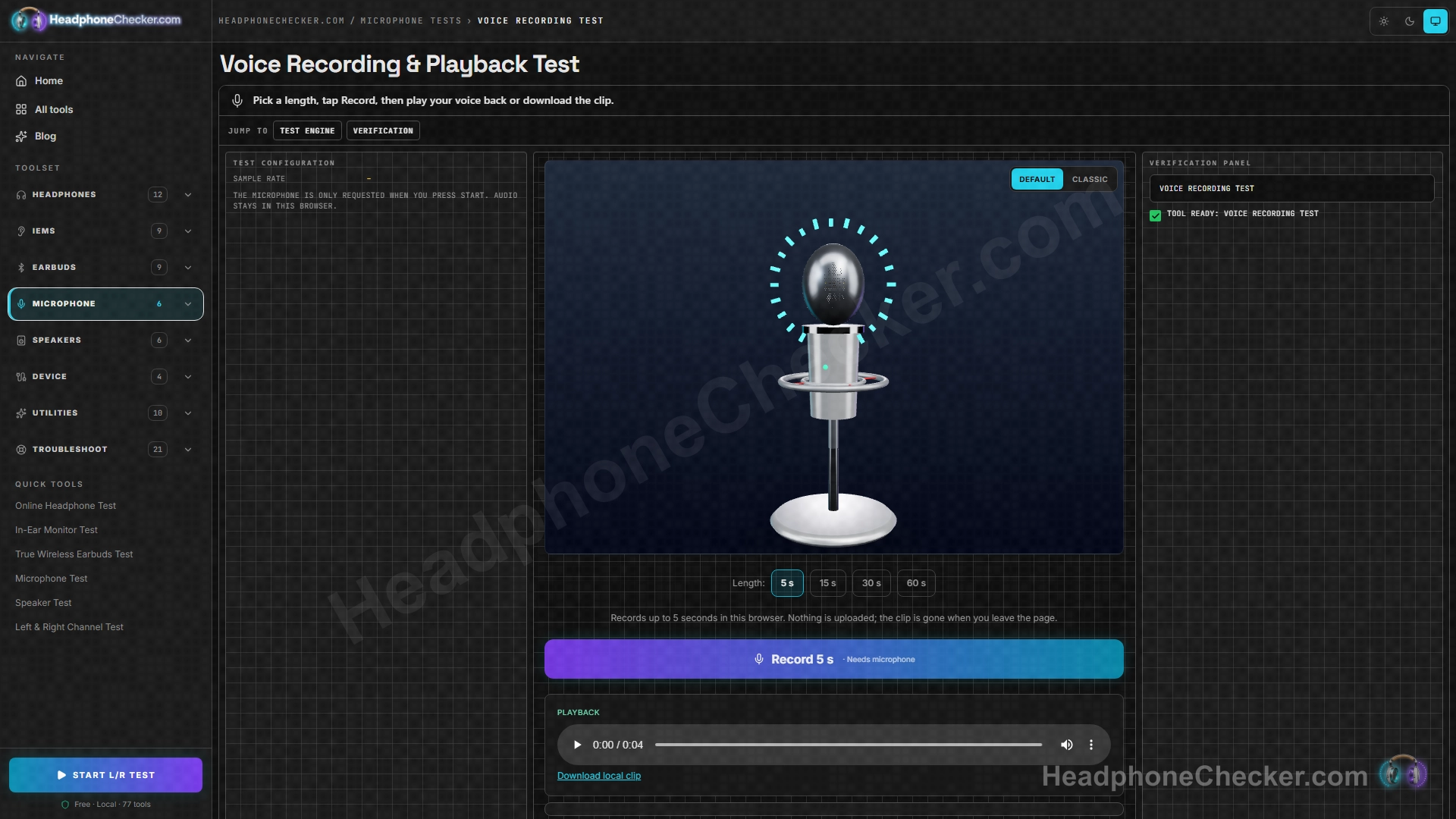
Pick a length, tap Record, then play your voice back or download the clip.
Records up to 15 seconds in this browser. Nothing is uploaded; the clip is gone when you leave the page.
“Record and hear myself”
Free voice recorder test: record your voice in the browser, play it back instantly and download the clip if you want. Nothing is uploaded to any server.
- Record 5, 15, 30 or 60 seconds locally
- Playback in the page and download as WebM or M4A
- Nothing is uploaded
- Runs locally in the browser, no install or upload
- Start quiet; protect your hearing
A browser check for finding faults, not a calibrated lab measurement. How our tests work
How to record and check your voice
This voice recorder test records your voice in the browser and plays it straight back. Use it as an online voice recorder to record my voice, check a mic recording and hear how you sound to others.
- Choose a length: 5, 15, 30 or 60 seconds.
- Press Record and allow the microphone. The counter shows the time; press Stop to finish early.
- Read a sentence with a mix of sounds, for example “She sells sea shells; Peter picked a peck of pickled peppers.” It reveals harsh s sounds and popping p sounds.
- Play it back with the player, ideally on headphones so you hear the recording and not the room.
- Press Download local clip to keep it.
What to listen for in the playback
- Muffled or thin: the wrong mic was used (often the laptop mic instead of your headset), or the mic is covered.
- Pops on p and b: you are too close to the mic or straight in front of it. Aim it slightly to the side.
- Harsh s sounds: move the mic a little off-axis or slightly further away.
- Echo or a hollow room sound: you are too far from the mic or the room is bare. Get closer or add soft furnishings.
- Warbling or robotic voice: heavy noise suppression. Compare raw and processed with the microphone noise test.
What to check next
If this test passed
If something was wrong
How to solve common issues
Recording is silent
The browser opened a different input. Check which mic is used: the microphone test shows the input name.
Open related testRecording is very quiet
Raise the input level until your speech sits in the target zone.
Open related testHiss under your voice
Measure the noise floor, then lower the gain or move away from fans.
Open related test
FAQ
Where is my recording saved?
Why does my recorded voice sound strange?
What file format is the download?
Can I record for longer than a minute?
Privacy, safe volume and browser limits apply to every test: see how our tests work.
Continue diagnosing
All Microphone Tests →Microphone Tests
Headset Microphone Test
How do I sound on Discord / Zoom with my headset?
OpenMicrophone Tests
Microphone Volume Test
Is my mic too quiet or clipping?
OpenMicrophone Tests
Microphone Noise Test
How noisy is my mic when idle?
OpenMicrophone Tests
Microphone Effects Test: Noise Suppression, Echo & Gain
Hear what noise suppression, echo cancellation and auto gain do to my mic
Open