Mic Too Quiet? Make Your Microphone Louder
Watch the meter while you raise input volume, boost and mic placement.
Speaking level
--
Peak
-60 dB
Idle: start, then talk normally for 5-10 seconds
“How do I make my quiet microphone louder?”
Mic too quiet? How to make your microphone louder on Windows 11, Mac and in the browser: input gain, mic boost and auto gain settings, step by step.
Published · Updated
- Live microphone level meter while you fix settings
- Interactive fix checklist
- Input level steps for Windows and macOS
- Runs locally in the browser, no install or upload
- Start quiet; protect your hearing
A browser check for finding faults, not a calibrated lab measurement. How our tests work
How to make a quiet microphone louder
Mic too quiet even at 100%? When microphone volume low settings or the wrong input hold it back, this guide shows how to make your mic louder on Windows 11, Mac and in the browser, from input gain and mic boost to auto gain.
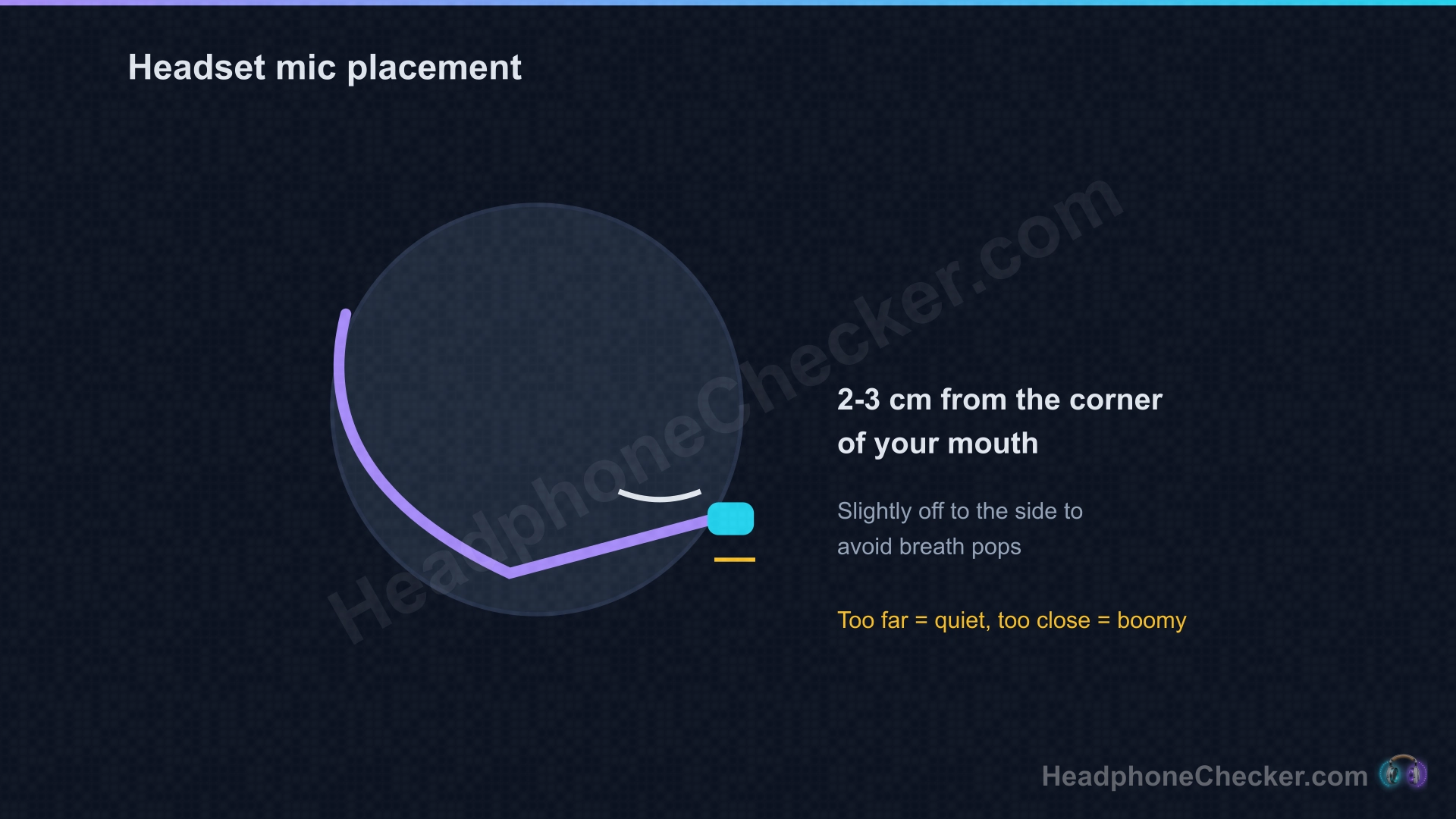
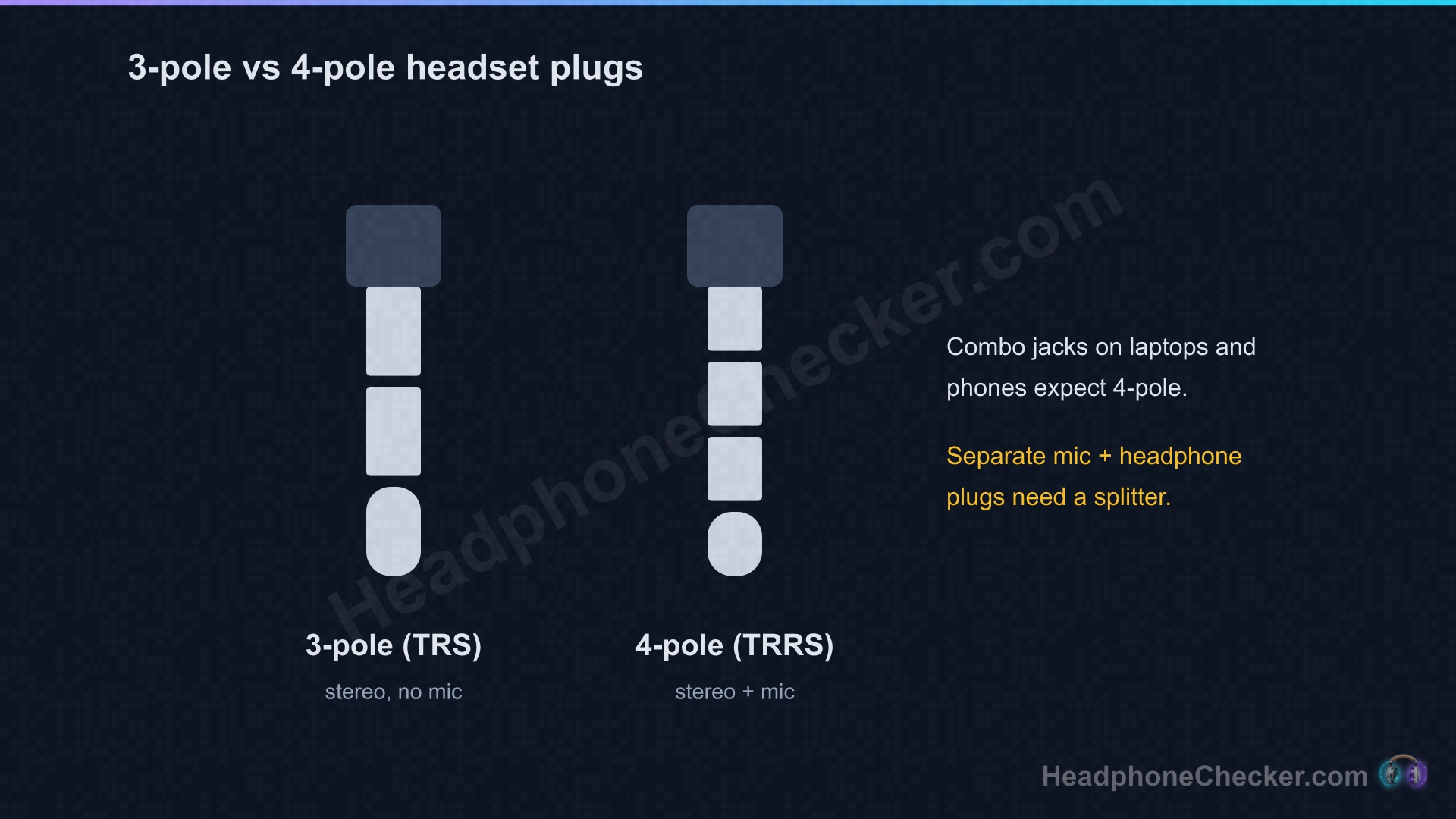
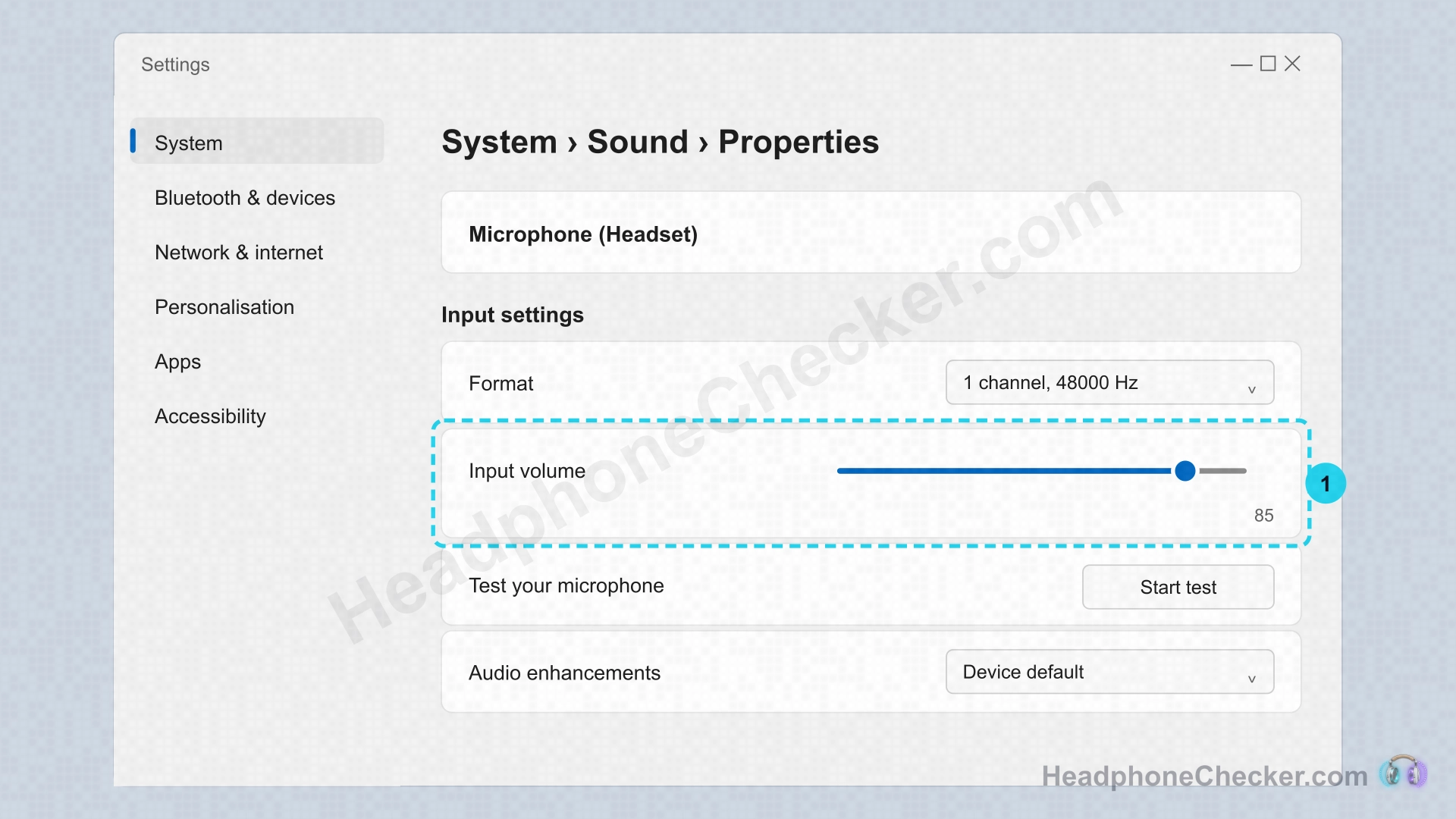
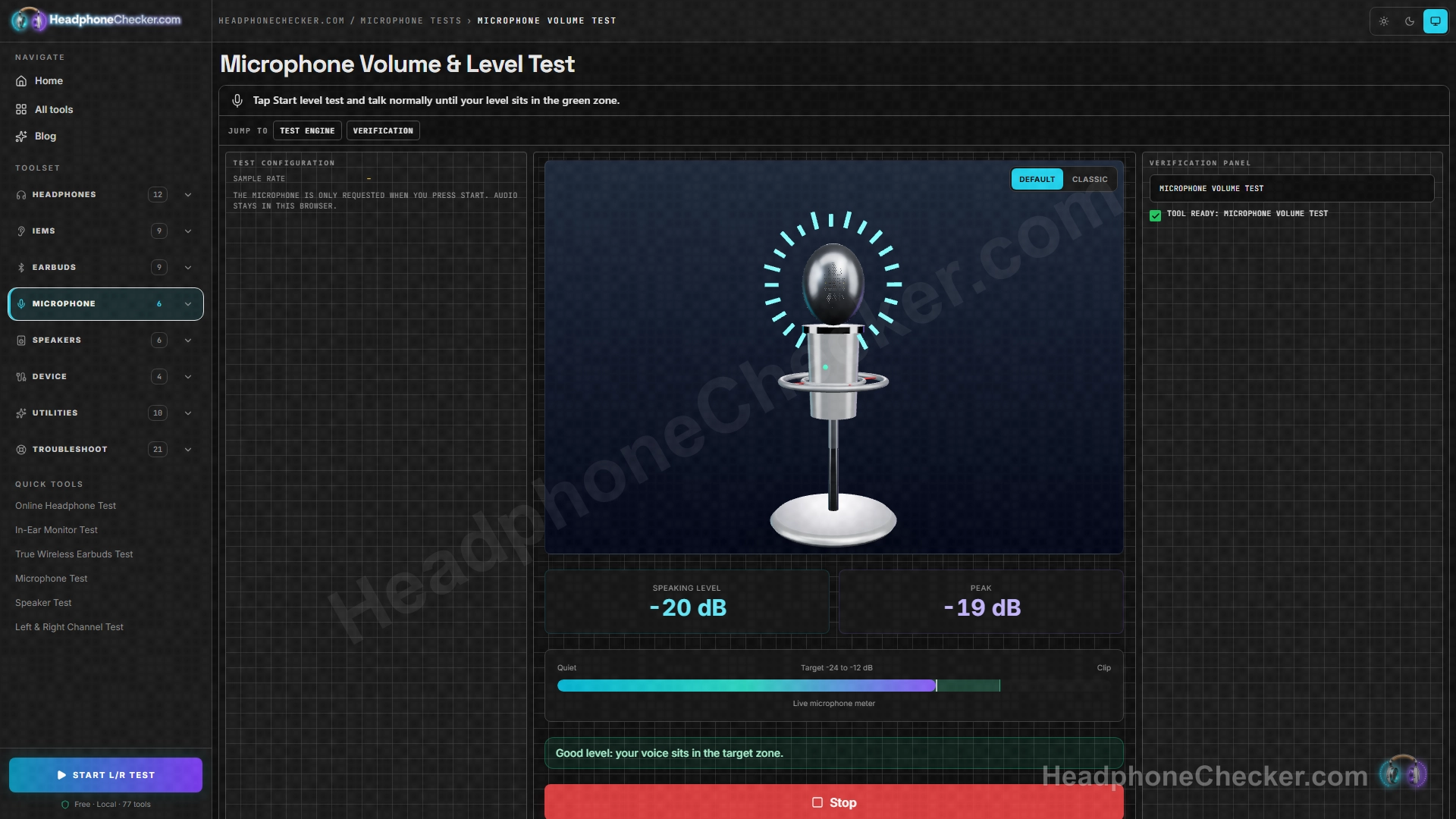
Use the live meter above while you speak normally. Most speech should reach the upper half of the meter without hitting the top. Then work through the fixes below.
Windows 11
- Settings > System > Sound > Input: pick your mic, then raise Input volume.
- More sound settings > Recording > your mic > Properties > Levels: some drivers add a Microphone Boost slider here (+10 to +30 dB). Boost raises noise too.
- Turn off "Allow applications to take exclusive control" (Advanced tab) if an app keeps lowering the level.
macOS
- System Settings > Sound > Input: select the mic and raise Input volume while watching the input level.
macOS 12 and older: open System Preferences instead of System Settings.
Android / iPhone
- Phones do not offer an input level slider. Check the app's own settings, remove the case if it covers the mic hole, and clean the mic opening gently.
- Headset plugs: a 4-pole headset plugged into a 3-pole mic-only jack (or the reverse) often gives a very quiet or silent mic. Use the right splitter or adapter.
- Bluetooth headsets only use the mic in their call (hands-free) mode, which is lower quality. See the Bluetooth headphone test.
- Calling apps such as Discord and Zoom have their own input volume and automatic gain settings, which can override the system level.
What to check next
If this test passed
How to solve common issues
Level still in the low zone
Set the input level with the target zone meter.
Open related testBoost adds hiss
Measure the noise floor after boosting.
Open related testHeadset mic quiet
Check the boom position and plug type.
Open related test
FAQ
Why is my mic quiet only in one app?
Is Microphone Boost safe to use?
Why is my headset mic quiet on a laptop with one combo jack?
Why is my mic quiet on Zoom but fine in the test?
Why is my mic quiet on Discord?
Privacy, safe volume and browser limits apply to every test: see how our tests work.
Continue diagnosing
All Troubleshooting →Microphone Tests
Microphone Volume Test
Is my mic too quiet or clipping?
OpenMicrophone Tests
Microphone Effects Test: Noise Suppression, Echo & Gain
Hear what noise suppression, echo cancellation and auto gain do to my mic
OpenMicrophone Tests
Headset Microphone Test
How do I sound on Discord / Zoom with my headset?
OpenMicrophone Tests
Online Microphone Test
Is my microphone working?
Open