Left Right Headphone Test
Tap Left, Right or Both and check that each earcup plays on its own.
Crosstalk check
Play Left only and listen on the right ear (and the reverse). A faint bleed is normal on some gear; a loud tone on the silent side usually means a cable, jack or driver fault.
“Is my left or right headphone working?”
Free left right audio test for headphones, headsets and earphones: play sound in one ear at a time to catch a silent side or swapped channels in seconds.
- Left / Both / Right channel playback
- Spoken channel prompts
- Detects swapped or dead channels
- Route any sample or tone to Left, Both or Right
- Start quiet; protect your hearing
A browser check for finding faults, not a calibrated lab measurement. How our tests work
Save lab score
Optional — stores a summary via the existing Nest API (headphones).
How to test left and right on headphones
This left right audio test plays sound in one ear at a time, so you can check headphones, earphones and earbuds in seconds. It is the quickest left right headphone test and left right earphone test for a silent side, swapped channels or mono playback, and the same left right sound test works for AirPods and any Bluetooth pair.
- Put on the headphones with the L marking on your left ear and set the volume low.
- Press Left: the tone must come only from your left ear. Then press Right.
- Press Both: the tone should sit in the middle at equal loudness.
- Or press Autoplay to step through the channels hands-free.
- Finish with the Crosstalk check below the test: play one side and listen for the tone leaking into the silent ear.
You can also choose a music sample in the lab. Left and Right then send the music to one side, which some people find easier to judge than a tone.
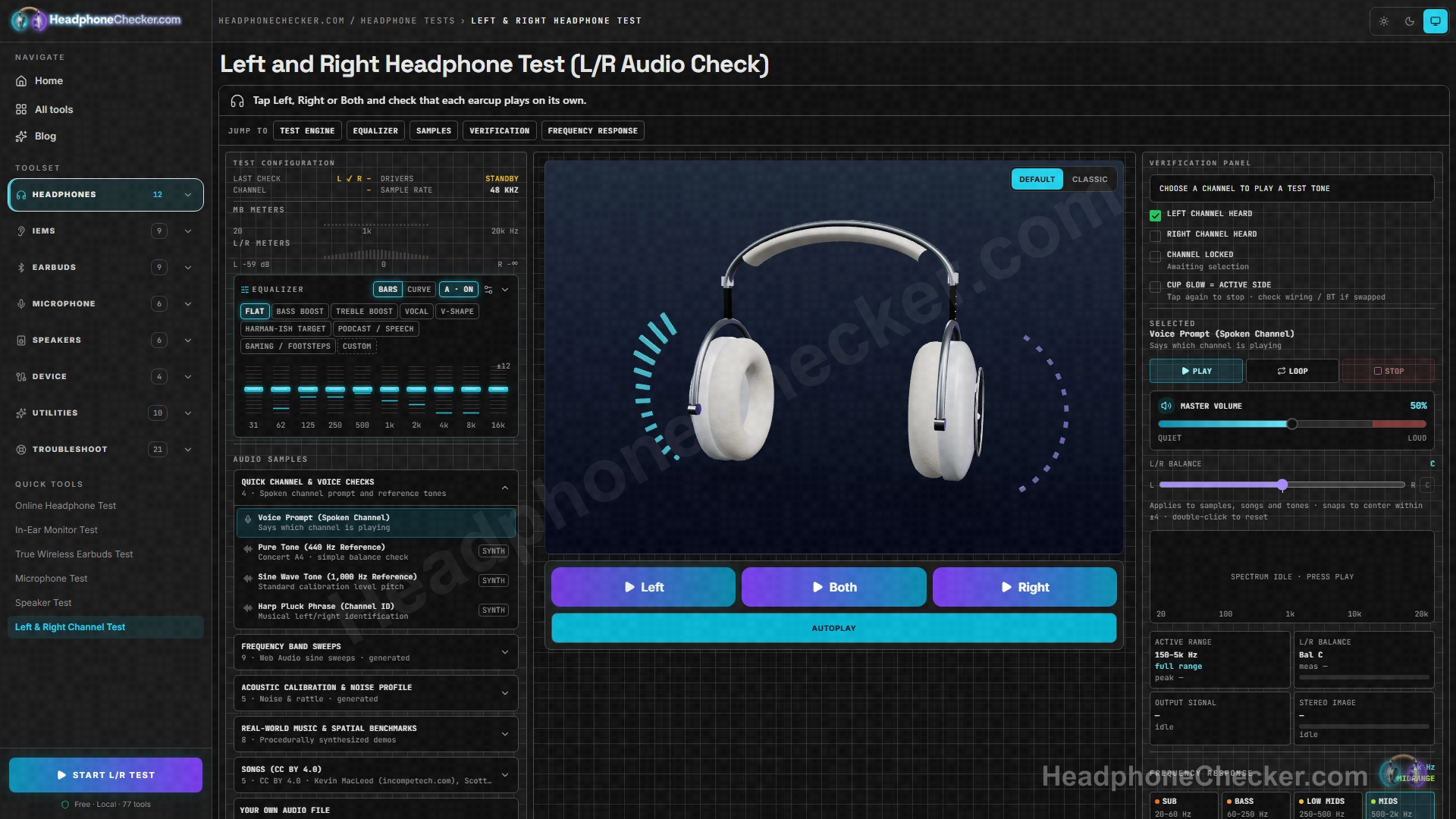
Reading the result
- Correct ear each time and nothing on the silent side: the channels are fine.
- Swapped: you are wearing them backwards, or the channels are swapped in the sound driver or headset software.
- One side silent: start with the one side not working guide.
- One side quieter: check balance and fit with the headphone balance test.
- The same sound in both ears for Left and for Right: Mono audio is on.
What to check next
If this test passed
How to solve common issues
Plug not fully inserted
Push the 3.5 mm plug in until it seats; phone cases often stop it short.
Open related testMono audio is on
Turn off Mono audio in accessibility settings and repeat the Left and Right tones.
Open related testChannels swapped in software
Turn off channel-swap options and virtual surround in Realtek, headset or DAC software.
One side silent
Work through the one-side checklist: balance, re-pair, cable and swap tests.
Open related test
FAQ
How do I tell which side is left?
Why do I hear a little sound on the silent side?
Can a loose 3.5 mm plug cause this?
Do left and right matter for music and games?
How do I swap left and right audio channels?
Privacy, safe volume and browser limits apply to every test: see how our tests work.