Audio Clipping Test Online
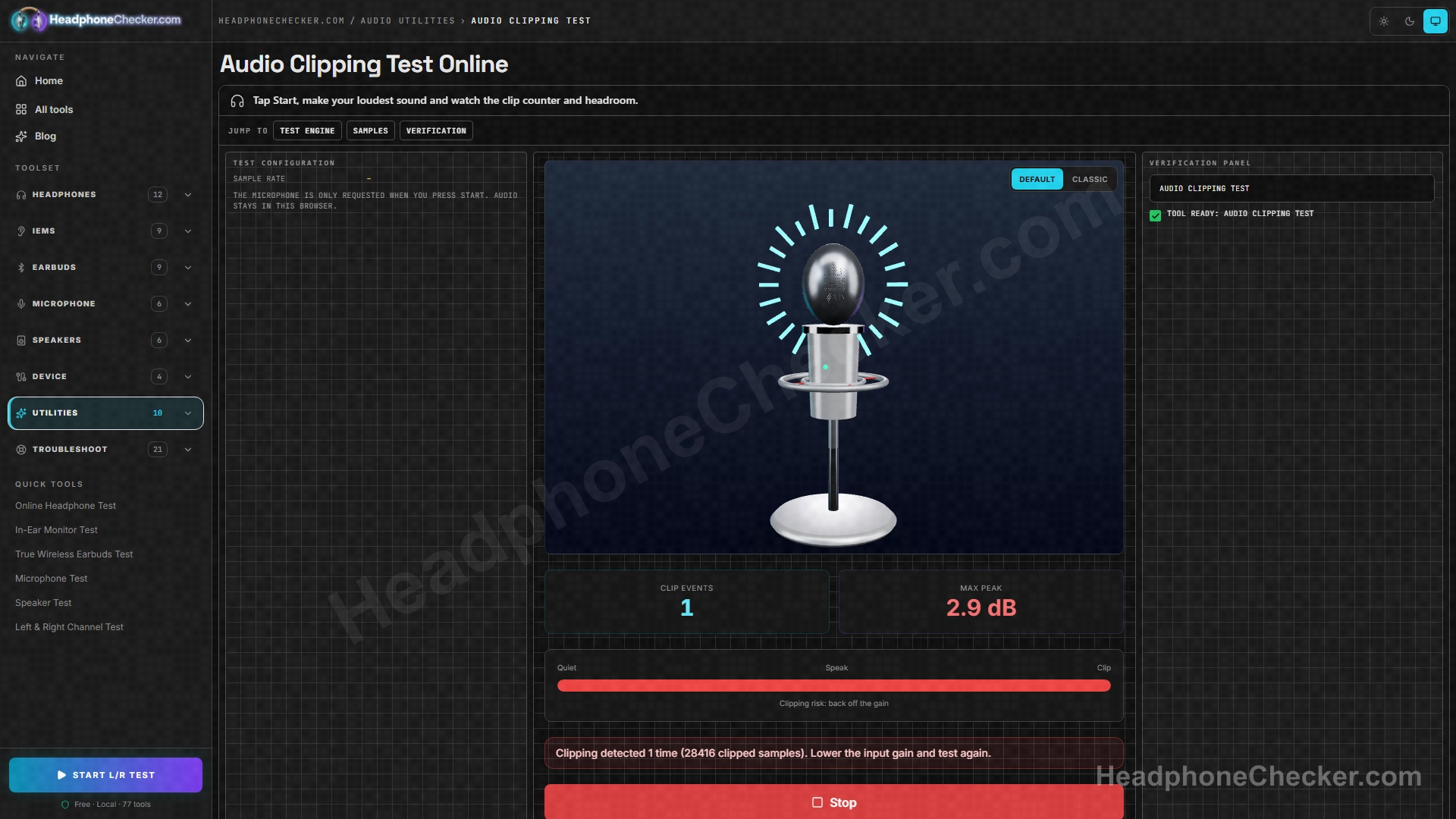
Tap Start, make your loudest sound and watch the clip counter and headroom.
Clip events
0
Max peak
--
Idle: start, then play or speak at your loudest
Test signals
Generated live · tap to play, tap again to stop · Esc stops all audio
“Is my recording clipping?”
Speak, sing or play into your mic or interface and count clipped samples live. See your peak level and headroom, and find a gain setting that never clips.
- Counts clip events and clipped samples live
- Max peak and headroom in dBFS
- Automatic gain off so clipping is not hidden
- Runs locally in the browser, no install or upload
- Start quiet; protect your hearing
A browser check for finding faults, not a calibrated lab measurement. How our tests work
How to check your input for clipping
This audio clipping test counts clipped samples while you speak, sing or play. Use it as a mic clipping test or microphone clipping test to set an input gain that never distorts on loud moments.
- Set the input level you normally record or stream with.
- Press Start clipping check. It opens the input with automatic gain off, so the browser cannot hide clipping by turning you down.
- Make the loudest sound you will really produce: shout, laugh, sing the loudest line or play your instrument hard.
- Watch Clip events. Every time samples hit full scale it counts one event; the summary also shows how many samples were clipped.
- If anything clips, lower the gain a step and test again until the count stays at 0 and the headroom is at least 3 to 6 dB.
What clipping and headroom mean
- Clipping happens when the signal tries to go above 0 dBFS, the loudest value digital audio can store. The tops of the waveform are cut flat, which sounds harsh and crackly and cannot be undone later.
- Max peak is the loudest single sample since you started.
- Headroom is how far that peak stays below full scale. About 6 dB is a comfortable margin for speech; music recording often leaves more.
- Zero clip events with almost no headroom is still risky: the next louder moment will clip.
Distortion on playback instead?
This page checks your input. If music or games sound crackly through your headphones, the cause is usually an EQ boost or app volume pushing the output too hard, or a damaged driver. Check the output with the headphone driver and distortion test.
What to check next
If this test passed
If something was wrong
How to solve common issues
Interface gain too high
Turn the preamp gain down until loud moments peak around −6 dB. The interface's clip LED should never light.
Boost stacked on gain
Check Microphone Boost in the Windows Sound control panel and set it to 0 dB if the mic already reaches a good level.
Open related testToo close to the mic
Shouts and plosives a few centimetres from the capsule overload it. Back off a little or use a pop filter.
FAQ
Can clipped audio be fixed afterwards?
Why does my call app not show clipping?
Is clipping the same as distortion?
What counts as a clipped sample here?
Privacy, safe volume and browser limits apply to every test: see how our tests work.
Continue diagnosing
All Audio Utilities →Microphone Tests
Microphone Volume Test
Is my mic too quiet or clipping?
OpenAudio Utilities
Audio Waveform Visualizer
Is there a signal, and is it clipping?
OpenMicrophone Tests
Microphone Noise Test
How noisy is my mic when idle?
OpenHeadphone Tests
Headphone Rattle & Buzz Check
Do I hear buzzing or crackling?
Open