Earbuds Mic Test (AirPods & Wireless Earbuds)
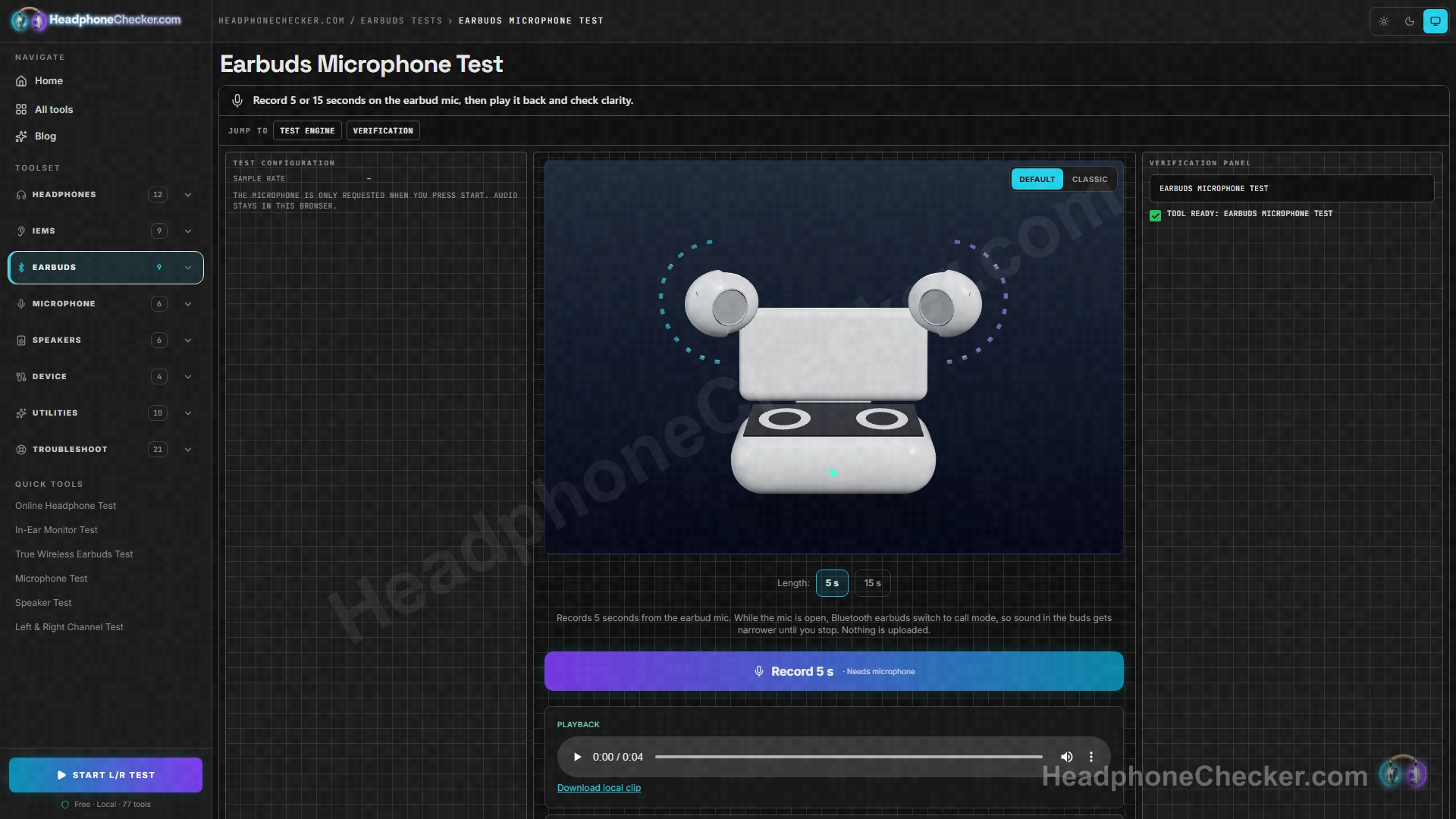
Record 5 or 15 seconds on the earbud mic, then play it back and check clarity.
Records 5 seconds from the earbud mic. While the mic is open, Bluetooth earbuds switch to call mode, so sound in the buds gets narrower until you stop. Nothing is uploaded.
“Test my earbud mic”
Free earbuds mic test: record a short clip through your AirPods or earbuds microphone, play it back and check clarity, level and background noise before a call.
- Record 5 or 15 seconds from the earbud mic
- Playback and local download
- Explains the Bluetooth call-mode switch
- Runs locally in the browser, no install or upload
- Start quiet; protect your hearing
A browser check for finding faults, not a calibrated lab measurement. How our tests work
Save lab score
Optional — stores a summary via the existing Nest API (earbuds).
How to test your earbud microphone
This earbuds mic test records a short clip through your earbud microphone and plays it back. It works as an AirPods mic test and for any Bluetooth earbuds, so you can check clarity and noise before a call.
- Connect the earbuds, put both in, and select them as the microphone in your system settings.
- Choose 5 s or 15 s, press Record and allow the microphone.
- Speak normally for the whole recording, the way you would on a call. Try once indoors and once outside if you take calls on the move.
- Play the clip back. Listen for muffled speech, wind noise, dropouts and your own breathing.
- Press Download local clip if you want to compare it with a second pair or send it to support.
Why your earbuds sound different while recording
When an app or web page opens the mic, most Bluetooth earbuds switch from their music mode to a call mode that carries audio in both directions. Sound in the buds becomes narrower and mono until the mic is released. That is normal, and it is why your recording sounds more like a phone call than a voice memo. See the Bluetooth call audio guide.
What a bad recording points to
- Silent clip: the computer or phone is still using its built-in mic. Pick the earbuds as the input device.
- Muffled: the mic openings on the stems are blocked by dirt, a case or your hair. Clean them gently.
- Rumble outdoors: wind noise. Some earbuds have a wind-reduction setting in the maker's app.
- Only one bud records: many earbuds use the mic of one bud at a time. Try with the other bud as the main one.
What to check next
If this test passed
How to solve common issues
Built-in mic used instead
Select the earbuds as the input in your sound settings or the call app, then record again.
Open related testDirty mic openings
Clean the small openings on the stems with a dry soft brush. Do not use liquid.
Open related testPoor call quality
Close other apps using the mic and keep the phone near you.
Open related test
FAQ
Where are the microphones on wireless earbuds?
Why does my voice sound like a phone call?
Why do people say I sound quiet on earbuds?
Does ANC affect the microphone?
Privacy, safe volume and browser limits apply to every test: see how our tests work.