Stereo Sound Test for Headphones
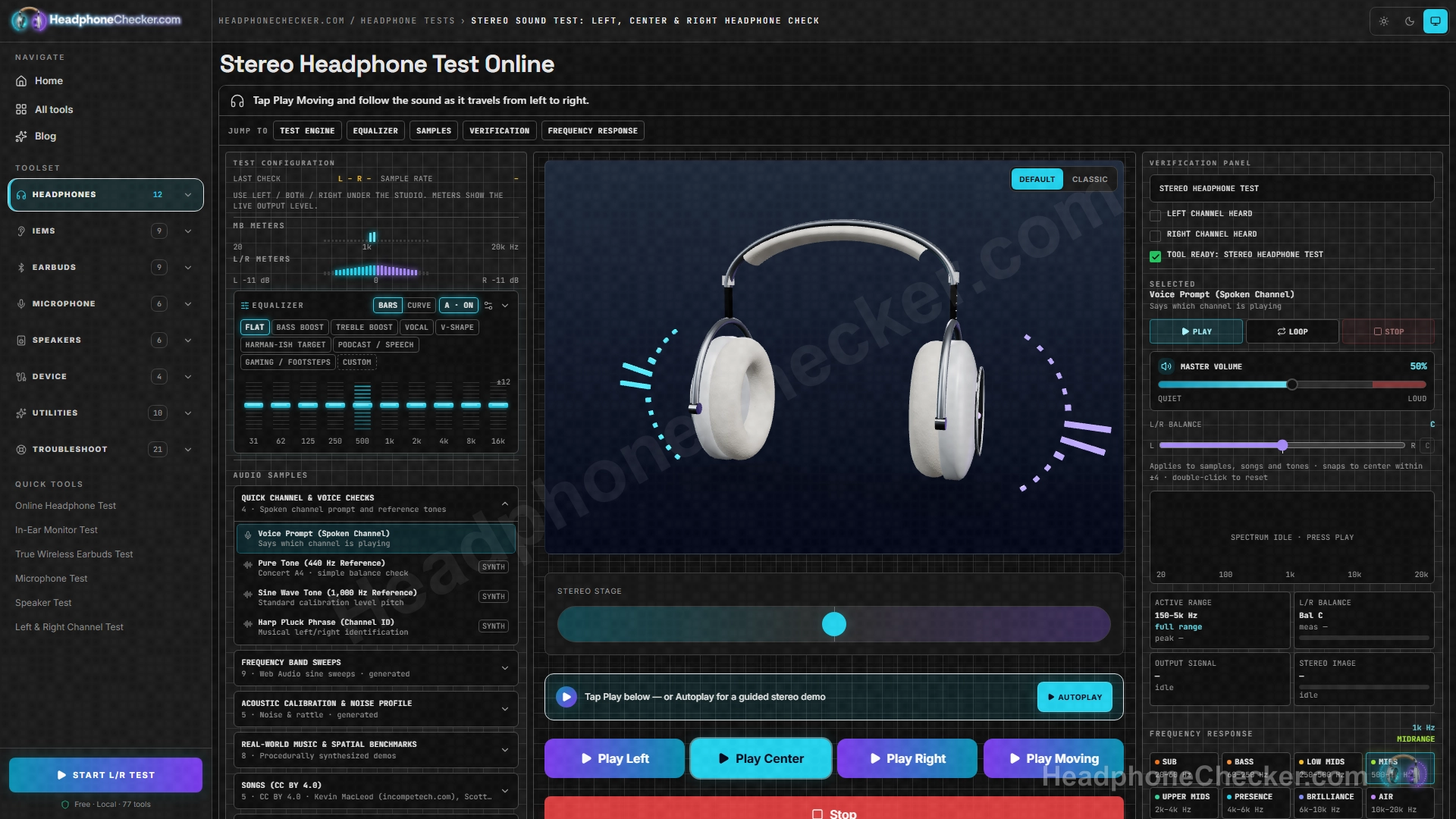
Tap Play Moving and follow the sound as it travels from left to right.
Stereo stage
Tap Play below — or Autoplay for a guided stereo demo
Correct stereo: Left stays left, Right stays right, Moving pans smoothly. Identical sound in both ears usually means Mono Audio is on in OS accessibility.
“Are my headphones producing proper stereo sound?”
Free stereo sound test: hear audio pan left, center and right to confirm true stereo on headphones or earbuds and catch mono mode or swapped channels.
- Stereo imaging and separation sweep
- Center vs wide placement cues
- Crosstalk check (left-only / right-only bleed)
- Route any sample or tone to Left, Both or Right
- Start quiet; protect your hearing
A browser check for finding faults, not a calibrated lab measurement. How our tests work
Save lab score
Optional — stores a summary via the existing Nest API (headphones).
How to check stereo sound on headphones
This stereo sound test moves audio from left to centre to right so you can hear whether your headphones really play in stereo. Use it as a quick stereo audio test before music, films or games, and to catch mono mode or swapped channels.
- Wear the headphones with L on your left ear and set the volume low.
- Press Autoplay for the guided demo: left, centre, right, then a 10-second moving pan. Or use Play Left, Play Center, Play Right and Play Moving one at a time.
- Center should sound like it is in the middle of your head, not louder in one ear.
- During Play Moving, the tone should glide smoothly from ear to ear with no jump or gap in the middle.
Reading the result
- Left and right correct, centre in the middle and a smooth pan: stereo works.
- Centre leans to one side: the balance is off or one side is weaker. Run the headphone balance test.
- Everything sounds the same in both ears: Mono audio is on, or Bluetooth headphones are in call mode.
- Centre sounds hollow, wide or hard to place: one driver may be out of phase. Check with the headphone phase test.
Stereo test or left/right test?
The left and right headphone test checks that each channel reaches the correct ear. This stereo test checks what happens between them: whether the centre image is really centred and whether a sound moves smoothly across. Games and music need both to place sounds correctly.
What to check next
If this test passed
How to solve common issues
Mono audio is on
Turn off Mono audio in Windows, macOS, iOS or Android accessibility settings, then replay the moving pan.
Open related testBluetooth stuck in call mode
With a mic in use, many Bluetooth headsets switch to a mono call mode. Close call apps and choose the stereo output.
Open related testImage leans to one side
Centre the left/right balance slider in your sound settings and test again.
Open related test
FAQ
Will this measure true frequency response?
Why does one side still sound wrong after the test?
What does stereo mean on headphones?
Privacy, safe volume and browser limits apply to every test: see how our tests work.