Stereo Separation Test
Play one channel at a time and check how much sound leaks into the other side.
Crosstalk check
Play Left only and listen on the right ear (and the reverse). A faint bleed is normal on some gear; a loud tone on the silent side usually means a cable, jack or driver fault.
“Is sound staying on the intended side?”
Check stereo channel isolation on headphones, IEMs and speakers with one-channel playback and panning. A practical listening check, not a lab test.
- Left / Both / Right channel playback
- Spoken channel prompts
- Detects swapped or dead channels
- Route any sample or tone to Left, Both or Right
- Start quiet; protect your hearing
A browser check for finding faults, not a calibrated lab measurement. How our tests work
How to test stereo separation
This stereo separation test plays sound on one channel only and checks how much leaks into the other: a stereo crosstalk test and channel isolation listening check for headphones, IEMs and speakers.
- Set a normal listening volume. Leakage is hard to hear when the tone is very quiet.
- Run Left and Right first to confirm each channel reaches the correct ear.
- In the crosstalk check, press Left only — listen on Right and lift the left ear cup slightly so you only hear the right one.
- Repeat with Right only — listen on Left.
- Silence or a very faint tone on the silent side means good separation. A clear tone means the channels are leaking into each other.
Crosstalk check
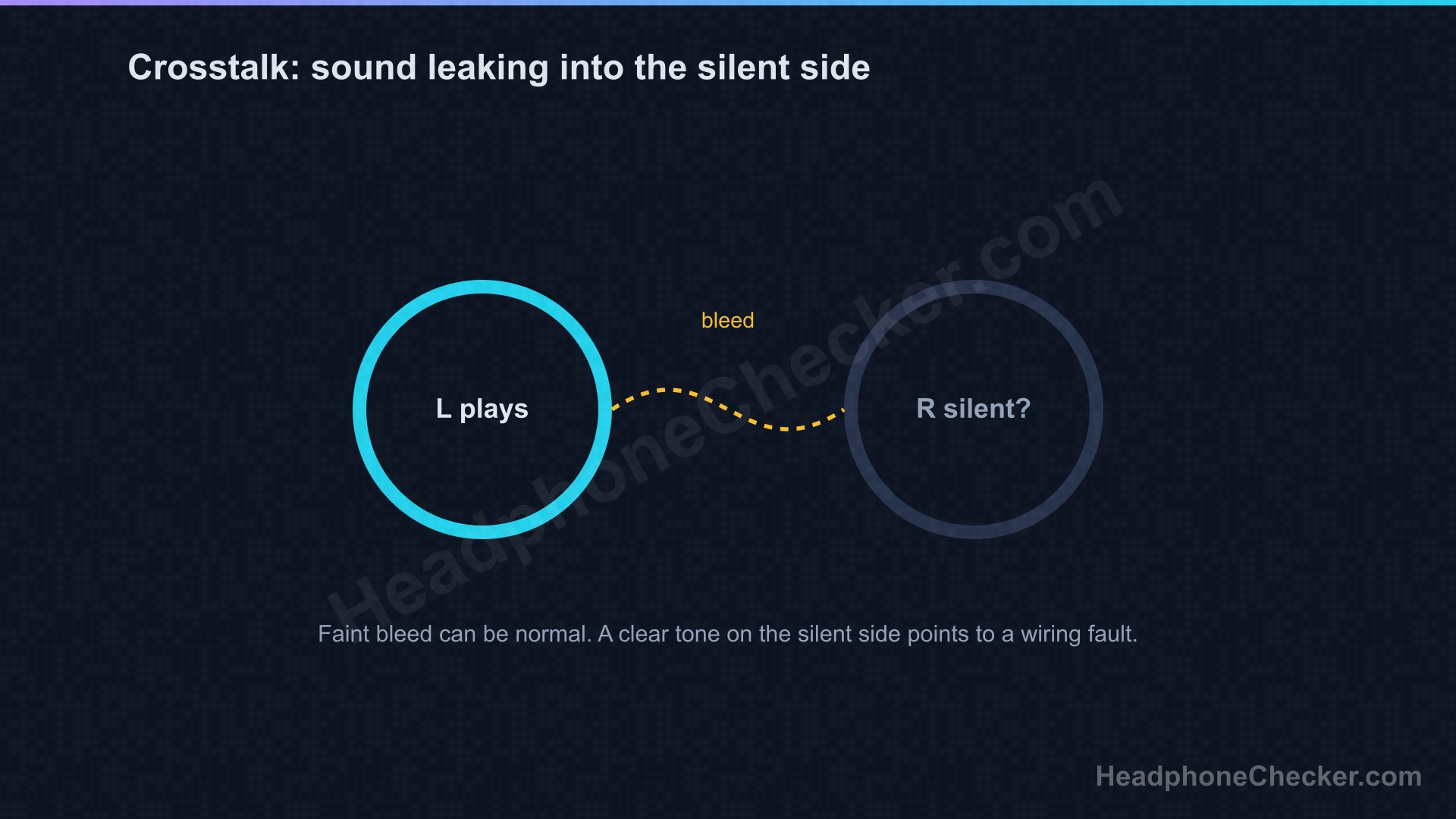
Play left only and listen to the right ear cup, then the reverse. A faint tone can be normal, especially with open-back headphones or when you can hear the other cup through the air. A clear tone on the silent side usually means a damaged cable, a worn jack or a plug that is not fully inserted.
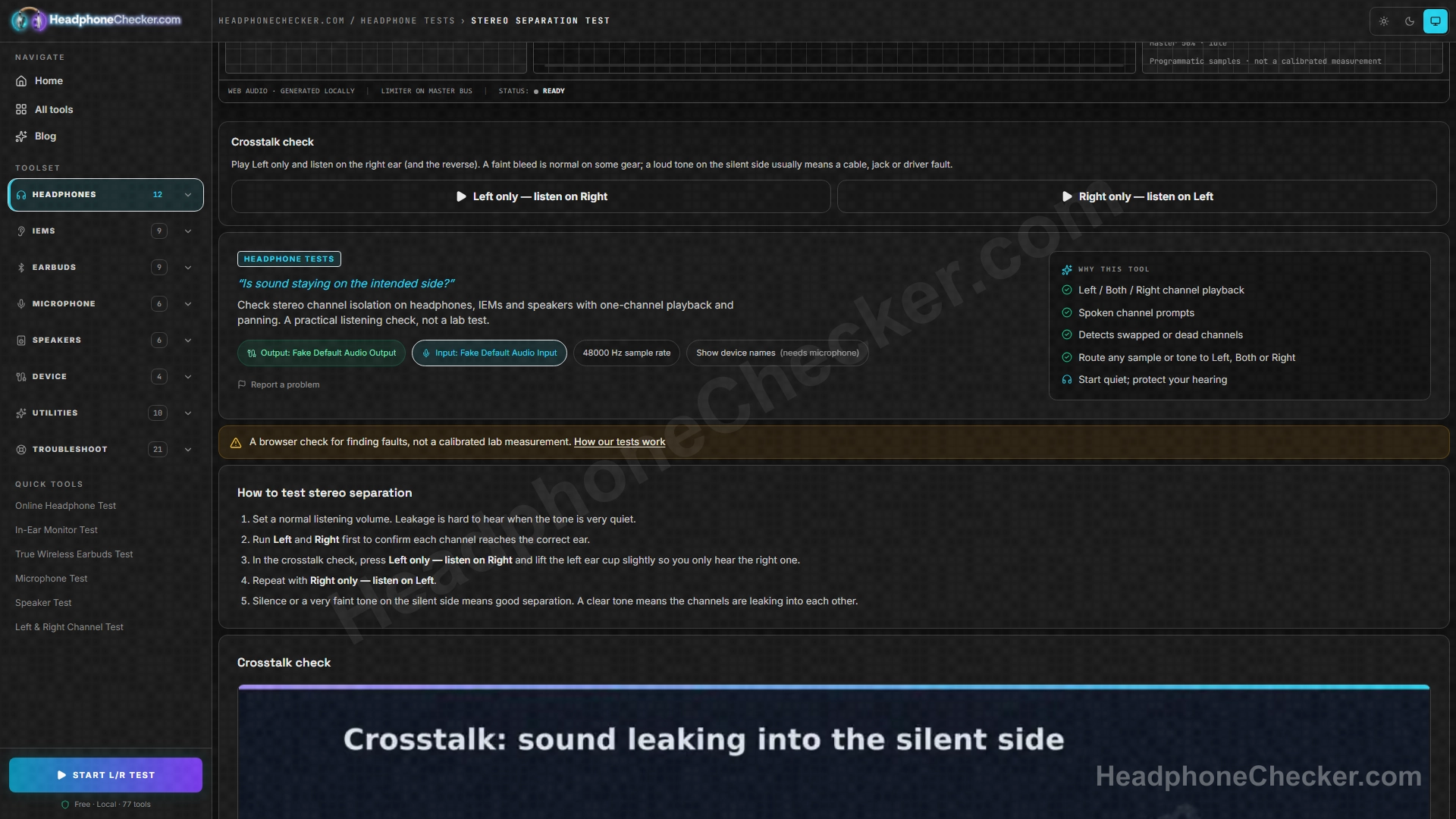
What to check next
If this test passed
If something was wrong
How to solve common issues
Plug not fully inserted
A half-inserted 3.5 mm plug touches the wrong contacts and mixes the channels. Push it in fully and retest.
Open related testDamaged cable or ground
Flex the cable near the plug and the ear cups while a tone plays. If the leak changes, the cable is at fault.
Open related testAdapter or splitter in the chain
Cheap 3-pole/4-pole adapters and splitters can tie the channels together. Test with the headphones plugged in directly.
FAQ
What is headphone crosstalk?
Is some crosstalk normal?
Why does a worn cable cause crosstalk?
Privacy, safe volume and browser limits apply to every test: see how our tests work.
Continue diagnosing
All Headphone Tests →Headphone Tests
Left & Right Headphone Test
Is my left or right headphone working?
OpenHeadphone Tests
Headphone Balance Test
Why does one ear sound louder than the other?
OpenHeadphone Tests
Stereo Headphone Test
Are my headphones producing proper stereo sound?
OpenHeadphone Tests
Headphone Frequency Test
Can my headphones reproduce different frequencies?
Open