Left Right Earbud Test for AirPods & Earbuds
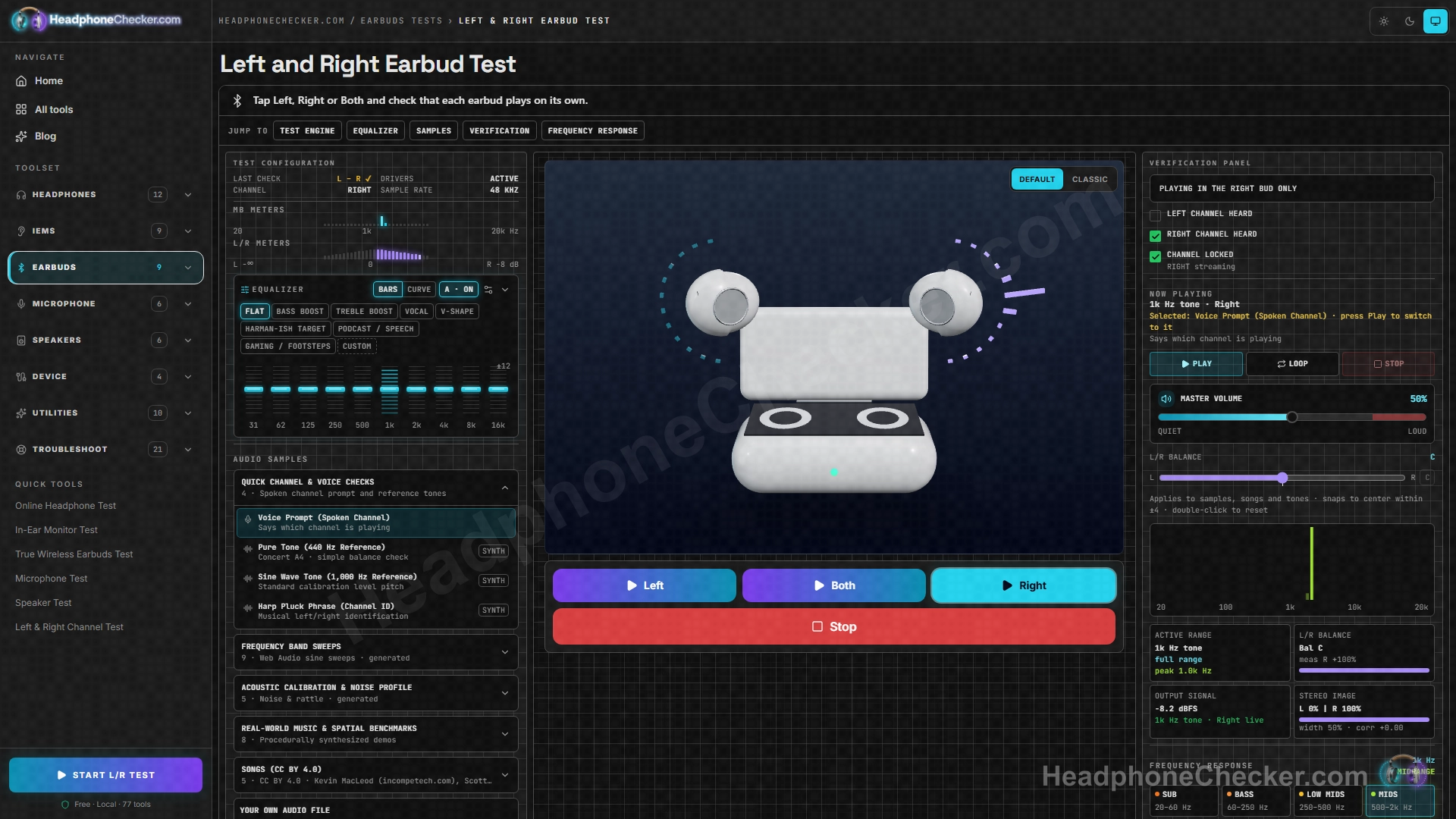
Tap Left, Right or Both and check that each earbud plays on its own.
“Is one earbud silent or swapped?”
Free left right earbud test for AirPods, Galaxy Buds and any wireless earbuds: hear each side alone and catch a silent bud, swapped sides or mono mode.
- Left / Both / Right channel check for in-ear drivers
- In-ear shell visual per side
- Route any sample or tone to Left, Both or Right
- Built-in sample library (speech, music, sweeps, noise) with loop modes
- Start quiet; protect your hearing
A browser check for finding faults, not a calibrated lab measurement. How our tests work
Save lab score
Optional — stores a summary via the existing Nest API (earbuds).
How to test left and right earbuds
This left right earbud test plays each earbud on its own, so you can check left right earbuds such as AirPods, Galaxy Buds or any wireless pair. As an AirPods left right test and general earbuds test, it catches a silent bud, swapped sides and mono mode.
- Put both earbuds in, check they are connected as one device, and set a low volume.
- Press Left. Only the bud in your left ear should play. Then press Right.
- Press Both: the tone should sit in the middle of your head.
- For a more natural check, pick a song in the sample library first. Left and Right then send the music to one bud.
- The Left channel heard and Right channel heard checks fill in as you play each side.
What the result means for wireless earbuds
- Each bud plays only its own side: channels are fine.
- Sound swaps sides: check the L and R marks on the buds. Some buds also have a channel-swap or mono option in the maker's app.
- One bud stays silent for every button: that bud is not connected or not charged. Follow the one earbud not working guide.
- Both buds play the same sound for Left and Right: the phone or computer is sending mono. Check the mono audio test.
- Sound stops when you take one bud out: in-ear detection is pausing playback. That is a feature, not a fault.
Why one bud may play both channels
Most true wireless earbuds switch to mono when only one bud is in use, so a single bud still plays the whole mix. Put both buds in before you run this test, otherwise Left and Right can both come out of the one bud you are wearing.
What to check next
How to solve common issues
One bud not connected
Return both buds to the case, wait 30 seconds and take them out together. If one stays silent, reset the buds.
Open related testMono audio is on
Turn off Mono Audio in your phone or computer accessibility settings, then test again.
Open related testSpatial audio moves the tone
Turn off spatial, 360 or head-tracking audio while testing so Left and Right stay at the ears.
Open related test
FAQ
Why does only one earbud play sound?
How do I know which earbud is left?
Can a phone setting swap my earbud channels?
Does this test work with AirPods and Galaxy Buds?
Privacy, safe volume and browser limits apply to every test: see how our tests work.