Earbud Balance Test: Is One Earbud Quieter?
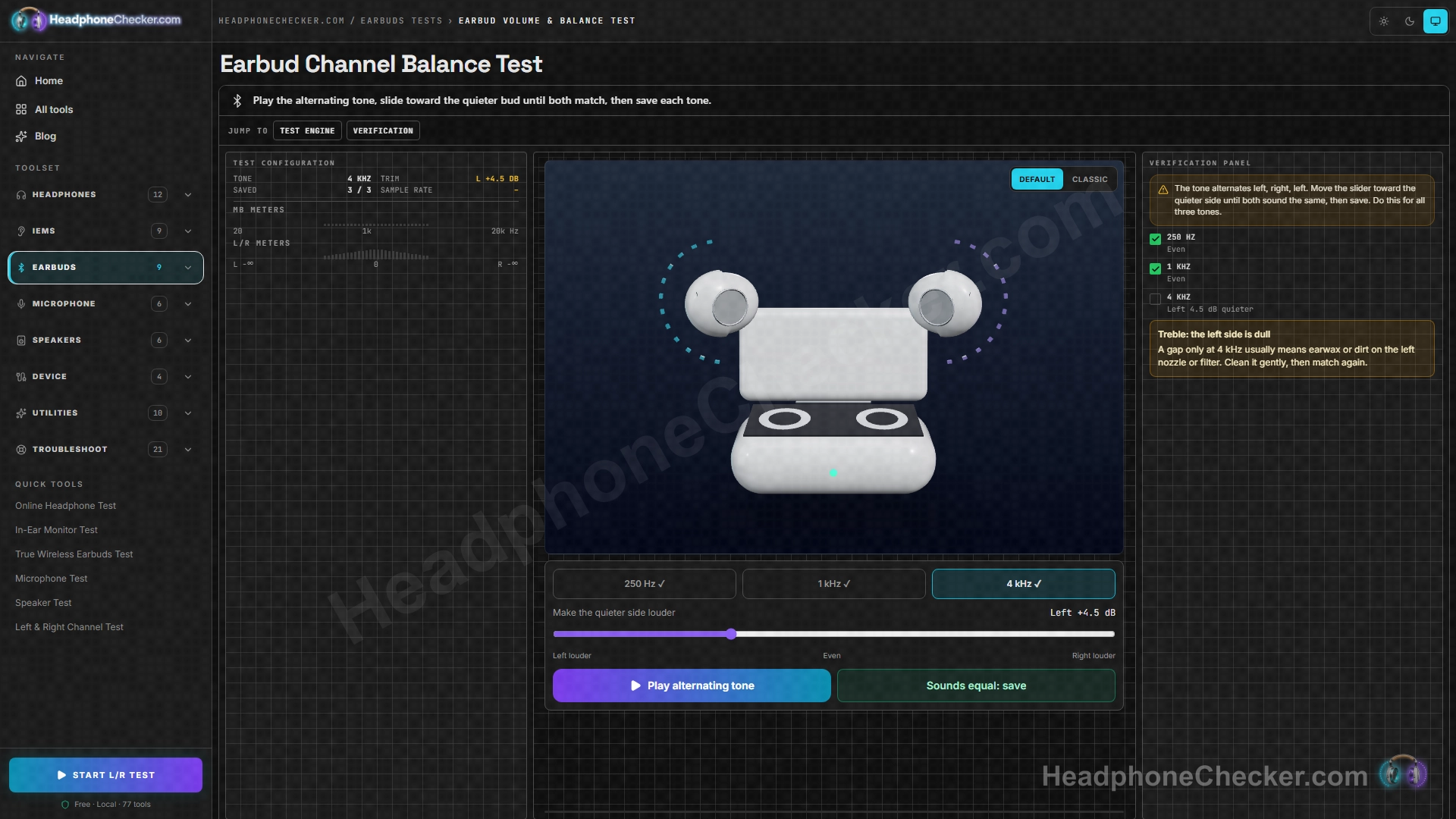
Play the alternating tone, slide toward the quieter bud until both match, then save each tone.
“Is one earbud quieter?”
Free earbud balance test: match the loudness of your left and right earbuds at 250 Hz, 1 kHz and 4 kHz, and see whether a gap comes from fit, wax or the bud.
- Alternating left/right tone with a dB trim slider
- Matches at 250 Hz, 1 kHz and 4 kHz
- Tells a seal, nozzle or driver gap apart
- Runs locally in the browser, no install or upload
- Start quiet; protect your hearing
A browser check for finding faults, not a calibrated lab measurement. How our tests work
Save lab score
Optional — stores a summary via the existing Nest API (earbuds).
How to check whether one earbud is quieter
This earbud balance test shows whether one earbud is quieter than the other, matching them at three tones. An earbud volume imbalance at only one tone points to wax, fit or the bud itself.
- Centre the left/right balance slider in your phone or computer sound settings first.
- Put both earbuds in with your normal tips and fit, and pick the 1 kHz tone.
- Press Play alternating tone. The tone hops between the left and right bud.
- If one side is quieter, move the slider toward it until both sound equally loud, then press Sounds equal: save.
- Repeat with 250 Hz and 4 kHz. The result panel then tells you what the pattern points to.
What each pattern means
- All three tones within 1 dB: normal. Nobody's ears or fit are perfectly symmetrical.
- Gap only at 250 Hz: the quieter bud is not sealing. Try a bigger tip or a deeper fit and check with the earbuds seal test.
- Gap only at 4 kHz: earwax or dirt on that bud's mesh. See how to clean earbuds.
- Same gap at every tone: a balance setting, a weaker bud or a hearing difference. Swap ears with a friend's pair or have someone else listen to tell them apart.
Why the tone alternates
Comparing two sounds one after the other is much easier than judging one sound in the middle of your head. The slider only ever turns the louder side down, so the test never gets louder than where you started.
What to check next
If this test passed
If something was wrong
How to solve common issues
Poor seal on one side
Try the next tip size up on the quieter bud, then match the 250 Hz tone again.
Open related testBlocked mesh
Brush the mesh with a dry soft brush. Do not push liquid into the nozzle.
Open related testBalance slider off centre
Centre the left/right balance in Accessibility (phone) or Sound settings (computer), then repeat the match.
Open related test
FAQ
How much difference between earbuds is normal?
Can earwax make one earbud quieter?
Why is my left earbud quieter only on calls?
Could it be my hearing, not the earbuds?
Privacy, safe volume and browser limits apply to every test: see how our tests work.