Earbuds Stereo Test
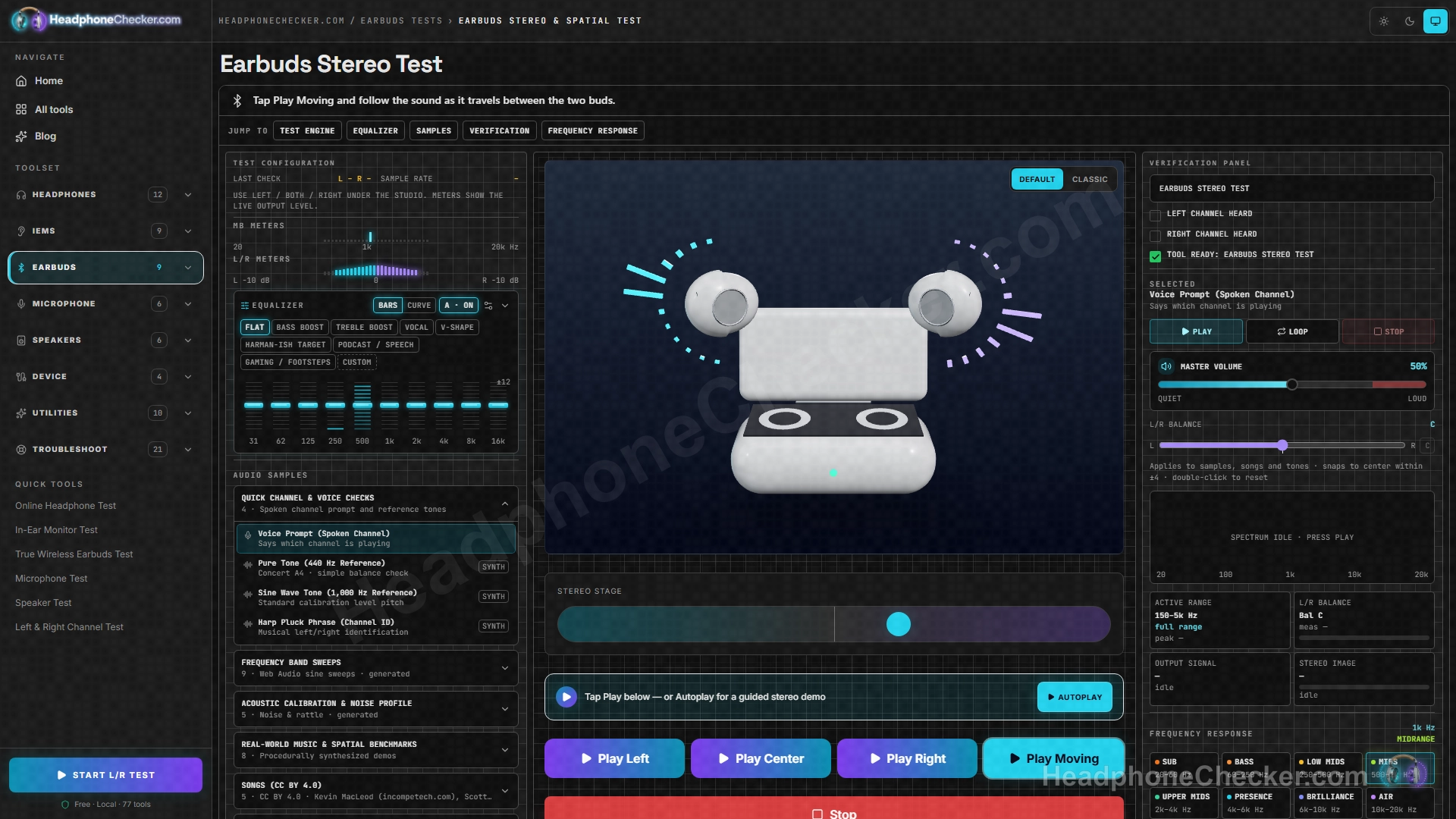
Tap Play Moving and follow the sound as it travels between the two buds.
Stereo stage
Tap Play below — or Autoplay for a guided stereo demo
Correct stereo: Left stays left, Right stays right, Moving pans smoothly. Identical sound in both ears usually means Mono Audio is on in OS accessibility.
“Check earbud stereo placement”
Check stereo placement on your wireless earbuds: hear sounds move between left and right to confirm correct orientation and smooth panning.
- Stereo imaging and separation sweep
- Center vs wide placement cues
- Crosstalk check (left-only / right-only bleed)
- Route any sample or tone to Left, Both or Right
- Start quiet; protect your hearing
A browser check for finding faults, not a calibrated lab measurement. How our tests work
Save lab score
Optional — stores a summary via the existing Nest API (earbuds).
How to check stereo on wireless earbuds
This earbuds stereo test checks wireless earbuds stereo: sound moves between your earbuds left and right so you can confirm each side and smooth panning.
- Turn off spatial audio, 360 audio or head tracking in the earbud or phone settings.
- Put both buds in and press Autoplay: left, centre, right, then a 10-second moving tone.
- Or play each step yourself with Play Left, Play Center, Play Right and Play Moving.
- During Play Moving, follow the sound with your finger. It should glide from one bud to the other with no gap.
What to listen for
- The centre tone sits in the middle and the moving tone glides smoothly: stereo works.
- The moving tone jumps or drops out half way: the buds briefly lose their link to each other. Keep the phone closer and away from your pocket.
- The centre leans to one side: one bud is quieter. Measure it with the earbud balance test.
- Everything sounds the same in both buds: mono is on, or the buds are in call mode because an app is using the mic.
Spatial audio and the stereo test
Spatial audio features process stereo so it seems to come from around you, and head tracking keeps the sound fixed as you turn your head. Both change where the test tones appear. Run this test with them off; to try spatial effects on purpose, use the 3D spatial audio test.
What to check next
If this test passed
If something was wrong
How to solve common issues
Buds stuck in call mode
Close any call or voice app using the mic, then reconnect the buds for music.
Open related testMono audio is on
Turn off Mono Audio in accessibility settings and replay the moving tone.
Open related testCentre leans to one side
Match the loudness of the two buds and check the tip fit on the quieter one.
Open related test
FAQ
Are true wireless earbuds really stereo?
Why does the sound jump between my earbuds?
Why is stereo gone during calls?
Should the centre feel inside my head?
Privacy, safe volume and browser limits apply to every test: see how our tests work.