IEM Channel Balance Test
Play the alternating tone, slide toward the quieter IEM until both match, then save each tone.
“Is one IEM quieter than the other?”
Match the loudness of your left and right IEMs at 250 Hz, 1 kHz and 4 kHz with a dB trim, and tell a tip seal, a blocked nozzle and a weak driver apart.
- Alternating left/right tone with a dB trim slider
- Matches at 250 Hz, 1 kHz and 4 kHz
- Tells a seal, nozzle or driver gap apart
- Runs locally in the browser, no install or upload
- Start quiet; protect your hearing
A browser check for finding faults, not a calibrated lab measurement. How our tests work
Save lab score
Optional — stores a summary via the existing Nest API (iems).
How to match the left and right IEM
This IEM channel balance test matches the loudness of your left and right IEMs at three tones, so an IEM imbalance is easy to see and you can tell a tip seal, a blocked nozzle and a weak driver apart.
- Centre the balance slider in your system sound settings and turn off any EQ app.
- Insert both IEMs to the same depth with the same tips. Pick the 1 kHz tone.
- Press Play alternating tone, then move the slider toward the quieter IEM until both sound the same.
- Press Sounds equal: save, then repeat with 250 Hz and 4 kHz.
- Read the result panel, then swap the IEMs between your ears and run it again to rule out your own hearing.
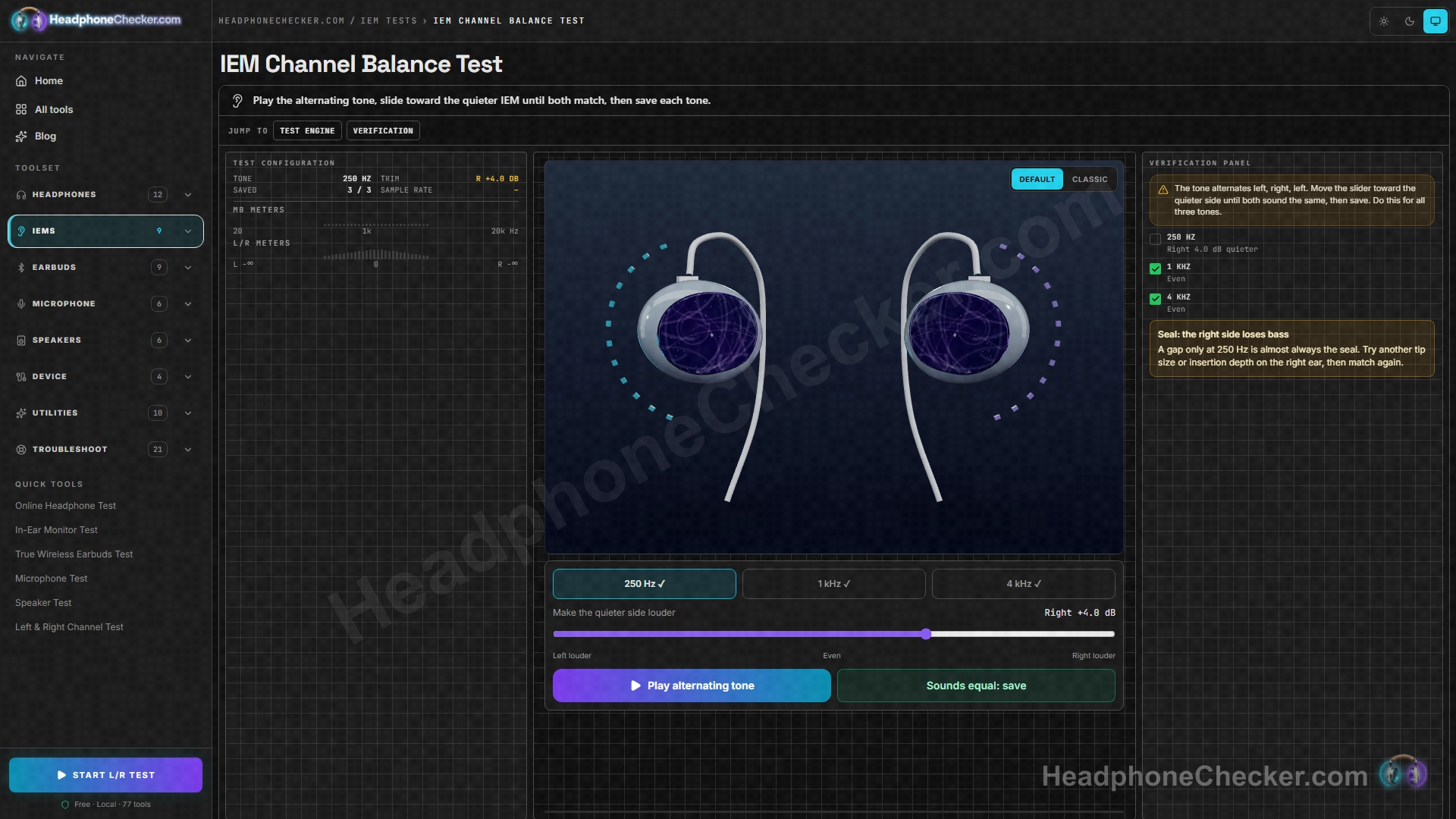
Reading the three matches
- Everything within 1 dB: well matched, and normal for healthy IEMs.
- Gap only at 250 Hz: tip seal or insertion depth on the quieter side. Check with the IEM seal test.
- Gap only at 4 kHz: a blocked nozzle filter, or a tip that sits differently in one ear canal.
- Even gap that moves with the IEM when you swap ears: a weaker driver, a damaged cable or a reversed connector.
- Even gap that stays on the same ear after swapping: your hearing or your ear canal, not the IEMs.
What to check next
If this test passed
How to solve common issues
Different insertion depth
Reinsert both IEMs the same way and use the same tip size, then match the 250 Hz tone again.
Open related testWax on the nozzle filter
Clean the nozzle with a dry brush or tool. Replace the filter if it is stained or blocked.
Open related testCable or connector fault
Flex the cable while the tone plays and try a spare cable.
Open related test
FAQ
What is good channel matching for IEMs?
Can a cable cause channel imbalance?
Why does the balance change when I reinsert my IEMs?
Does a balanced cable affect this test?
Privacy, safe volume and browser limits apply to every test: see how our tests work.