Left and Right IEM Test (Driver Check)
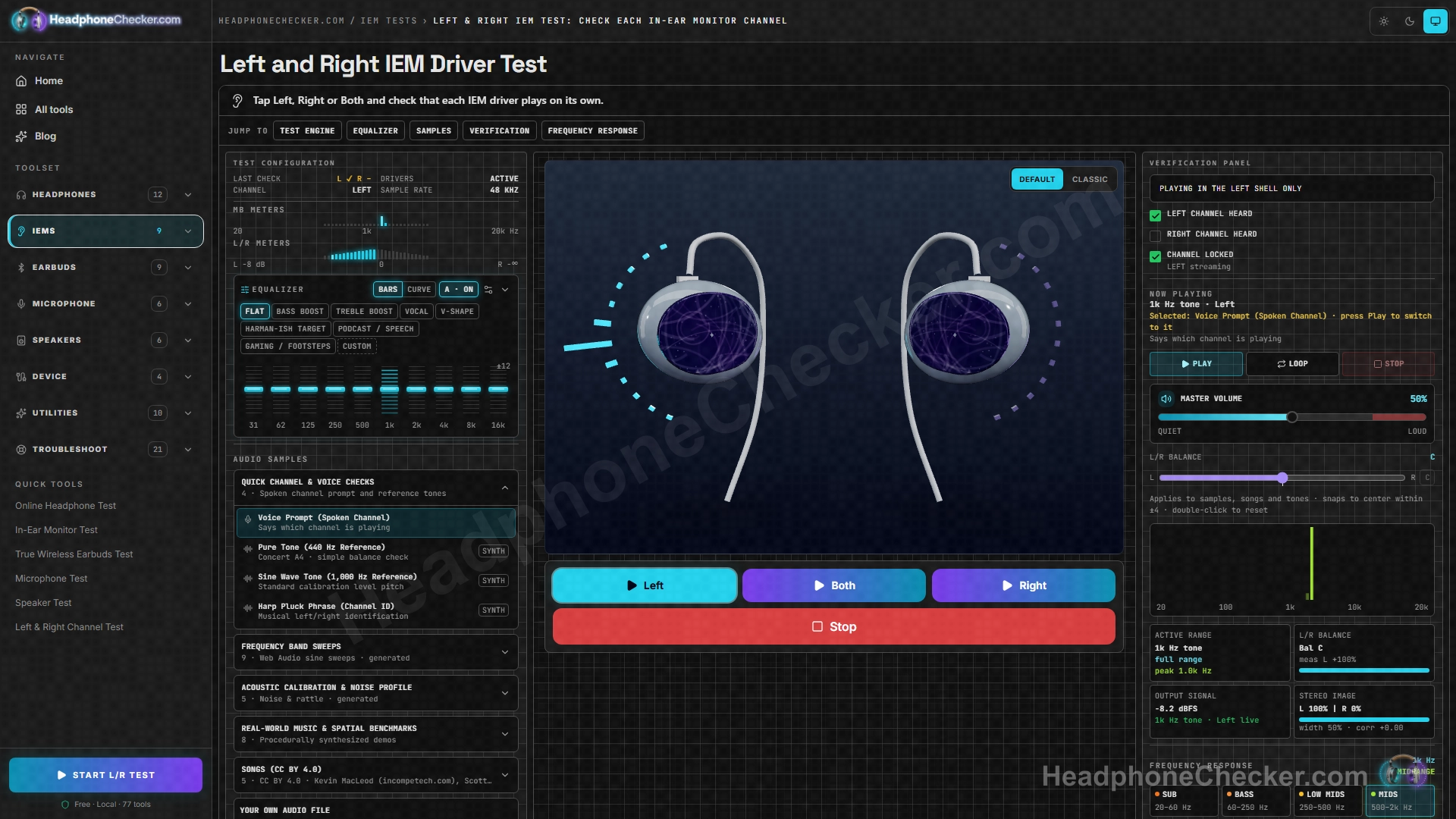
Tap Left, Right or Both and check that each IEM driver plays on its own.
“Is one IEM silent or swapped?”
Free left and right IEM test: play each in-ear monitor on its own to find a silent driver, reversed stereo or uneven sides, and confirm both ears play.
- Left / Both / Right channel check for in-ear drivers
- In-ear shell visual per side
- Route any sample or tone to Left, Both or Right
- Built-in sample library (speech, music, sweeps, noise) with loop modes
- Start quiet; protect your hearing
A browser check for finding faults, not a calibrated lab measurement. How our tests work
Save lab score
Optional — stores a summary via the existing Nest API (iems).
How to test left and right IEMs
This left and right IEM test (a left right IEM test) plays each in-ear monitor on its own, a quick IEM channel test for a silent driver, reversed stereo or uneven sides.
- Insert both IEMs with a good seal and start with the volume low. IEMs get loud quickly.
- Press Left: only the left earpiece should play. Then press Right, then Both.
- While a side is playing, gently move the cable near that earpiece's connector. The tone should not crackle or cut out.
- Choose a song from the sample library if you want to judge the channels with music instead of a tone.
Reading the result
- Each IEM plays only its own side and the cable is quiet when moved: channels and cable are fine.
- Sides swapped: the cable is connected to the wrong earpieces. On most detachable cables the red or marked connector is the right side.
- One side silent or crackling: reseat the MMCX or 2-pin connector, then check the cable with the IEM cable test.
- Both sides play but one is quieter: run the IEM channel balance test to find out whether it is fit, a blocked nozzle or the driver.
Swap test: IEM or cable?
- Unplug the cable from both earpieces and connect it the other way round, so the left plug goes to the right IEM.
- Play Left again. If the fault moves to the other ear, it is in the earpiece. If it stays on the same ear, it is in the cable or the source.
- Put the cable back the normal way round when you are done.
What to check next
If this test passed
If something was wrong
How to solve common issues
Connector not fully seated
Unplug and firmly reseat the MMCX or 2-pin connector on the quiet side, keeping the orientation marks aligned.
Open related testWorn or broken cable
Swap in another cable if you have one. If the fault disappears, replace the cable.
Blocked nozzle
Earwax on the nozzle filter makes a side sound weak or dull. Clean it gently and test again.
Open related test
FAQ
Can you measure tip seal / isolation?
Which IEM connector is left and right?
Does it matter which way round a 2-pin plug goes in?
Privacy, safe volume and browser limits apply to every test: see how our tests work.