Online Hearing Test (Not Medical)
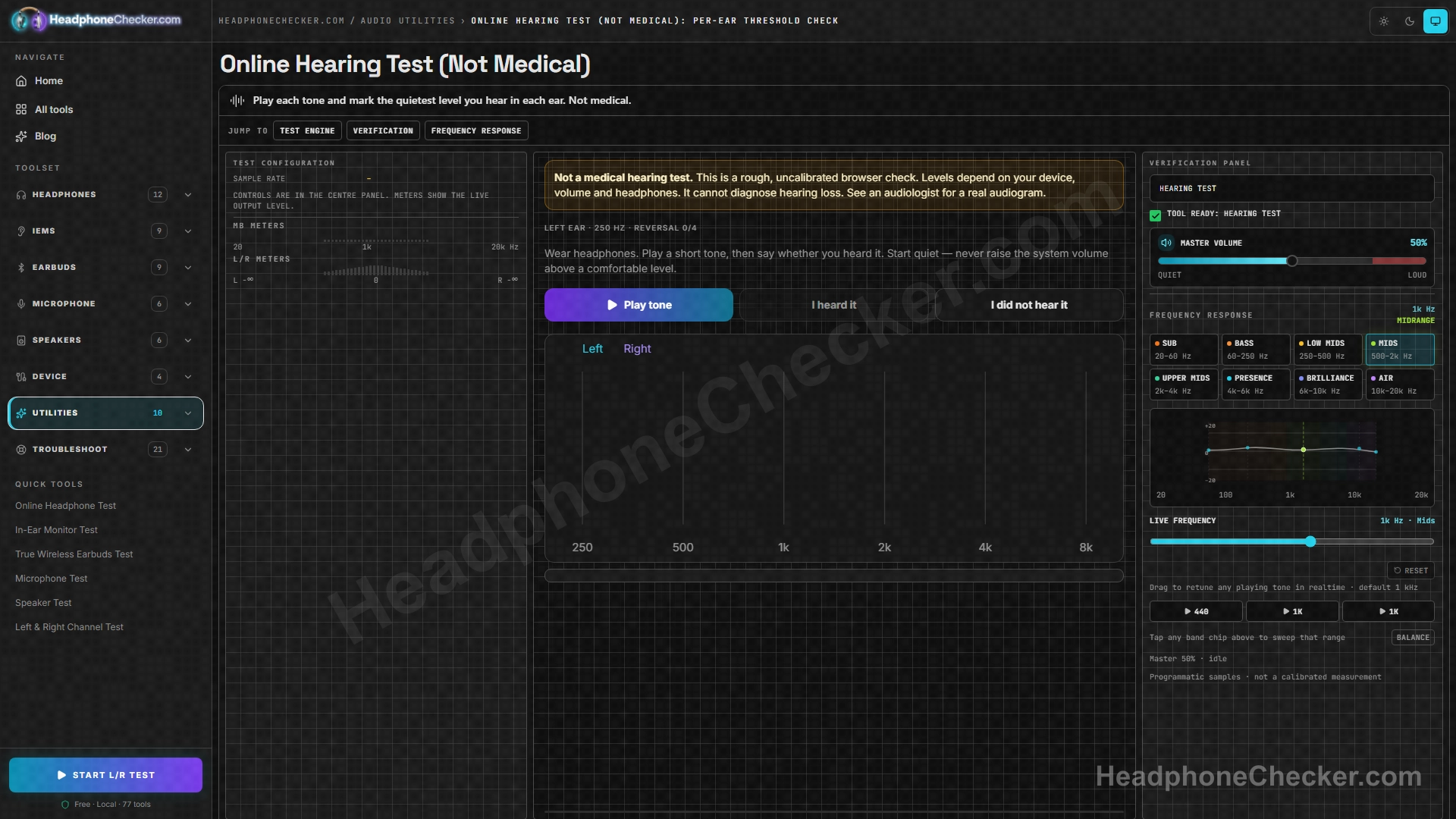
Play each tone and mark the quietest level you hear in each ear. Not medical.
Left ear · 250 Hz · reversal 0/4
Wear headphones. Play a short tone, then say whether you heard it. Start quiet — never raise the system volume above a comfortable level.
“Rough per-ear tone thresholds from 250 Hz to 8 kHz”
Free, rough hearing check: find left and right ear thresholds from 250 Hz to 8 kHz and see them on an audiogram chart. Uncalibrated, not medical.
- Per-ear threshold staircase 250 Hz–8 kHz
- Relative audiogram chart
- Safety volume cap and prominent not-a-medical-test disclaimer
- Runs locally in the browser, no install or upload
- Start quiet; protect your hearing
Uncalibrated browser levels. Device, volume and headphones change the result. Not for diagnosis. How our tests work
How to take the hearing check
This free hearing test finds the quietest tone you can hear in each ear from 250 Hz to 8 kHz and shows it on an audiogram chart. It is an online hearing test for a rough picture only, not a medical hearing threshold test.
- Wear headphones in a quiet room and set the system volume to a comfortable level. Do not raise it during the test.
- Press Play tone. A short tone plays in the left ear.
- Press I heard it or I did not hear it. The next tone gets quieter or louder depending on your answer.
- Continue through each frequency for the left ear, then the right.
- Read the chart: it compares your ears and frequencies relative to each other, not against a medical standard.
What this hearing check can and cannot tell you
- Not a medical test. Browsers cannot know how loud your headphones really are, so levels are relative, not dB HL.
- Uncalibrated. Your device, volume setting and headphones all shift the result. Compare ears with the same setup rather than reading absolute numbers.
- Safety cap. Tones are limited to a low level. Keep the system volume comfortable and stop if anything is uncomfortable.
The test uses a simple staircase: the tone gets quieter when you hear it and louder when you do not, until your answers settle. A large, consistent difference between ears, ringing, or sudden hearing change is a reason to see an audiologist or doctor.
What to check next
How to solve common issues
Both ears drop at high tones
Check your upper hearing limit with a sweep.
Open related testOne ear much weaker
Rule out the headphones first: test with another pair, then see a professional.
Open related testResults change every time
Use the same headphones, volume and quiet room each time.
FAQ
Can an online hearing test diagnose hearing loss?
Why are the results different on another device?
Is it safe?
Why do I need headphones for the hearing check?
Privacy, safe volume and browser limits apply to every test: see how our tests work.
Continue diagnosing
All Audio Utilities →Audio Utilities
Hearing Frequency Range Test: 20 Hz–20 kHz Sweep
What is the highest and lowest pitch I can hear on my headphones?
OpenHeadphone Tests
Headphone Frequency Test
Can my headphones reproduce different frequencies?
OpenHeadphone Tests
Full Headphone Checkup: Guided L/R, Balance, Bass & Frequency
Run every core headphone check in one guided session
Open