Headphone Burn-In Tool
Pick pink, white or brown noise, set the timer, then tap Play to start the loop.
30:00
Keep volume moderate. Do not leave very loud noise unattended near people or pets.
“Loop noise for a set time to try headphone burn-in”
Play a pink, white or brown noise loop with a timer for headphone burn-in experiments, plus an honest note on what measurements show about burn-in.
- Pink / white / brown noise loop
- Countdown timer
- Honest note on the burn-in debate
- Runs locally in the browser, no install or upload
- Start quiet; protect your hearing
A browser check for finding faults, not a calibrated lab measurement. How our tests work
How to run a burn-in session
Use this headphone burn in tool to burn in headphones with a pink, white or brown noise loop and a timer. It covers pink noise burn-in at a moderate volume, plus an honest note on what measurements show about headphone burn-in.
- Set the system volume to a normal, comfortable listening level. Burn-in does not need loud volume.
- Choose pink, white or brown noise. Pink is the usual choice.
- Pick a timer: 15, 30, 60 or 120 minutes.
- Press Start burn-in loop and leave the headphones somewhere they will not disturb anyone.
- If you want to judge the result fairly, listen to the same song at the same volume before and after.
Headphone burn-in: what is known
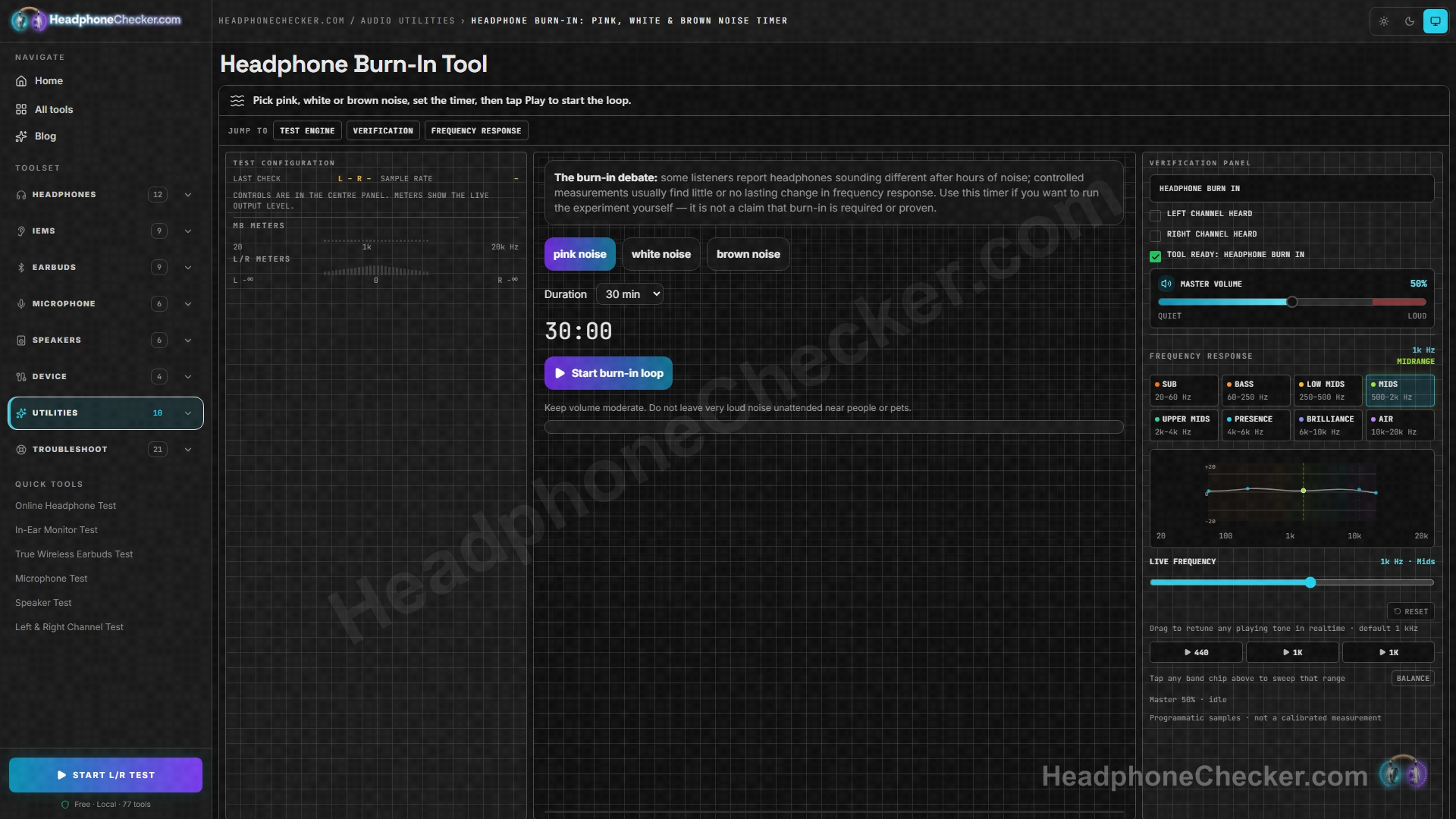
Burn-in is the idea that new headphones change sound after hours of playback. Listener reports vary. Published measurements of headphone frequency response before and after long playback usually show small or no changes, and your ears also adapt to a new sound over time. Use the timer if you want to try it, at a moderate volume.
How to compare before and after fairly
- Same volume: small level differences change how bright or full headphones sound. Note the volume step and use it both times.
- Same tracks: pick two or three songs you know well and write down what you hear before the session.
- Same fit: reseat the headphones the same way; fit changes bass more than any burn-in.
- Short, repeated comparisons: switch quickly, as the headphone sound comparison does, rather than relying on memory of yesterday.
If you hear a change, consider that your ears also adapt to new headphones over days. Either way, the timer is harmless at a moderate volume.
What to check next
If this test passed
If something was wrong
How to solve common issues
Rattle during burn-in
Stop and find the rattle frequency.
Open related testWant to compare before and after
Use matched-volume A/B clips.
Open related testNoise too harsh
Switch to pink or brown noise and lower the volume.
Open related test
FAQ
Do headphones need burn-in?
Which noise is best for burn-in?
Can burn-in damage headphones?
Why do new headphones sound better after a week?
Privacy, safe volume and browser limits apply to every test: see how our tests work.